
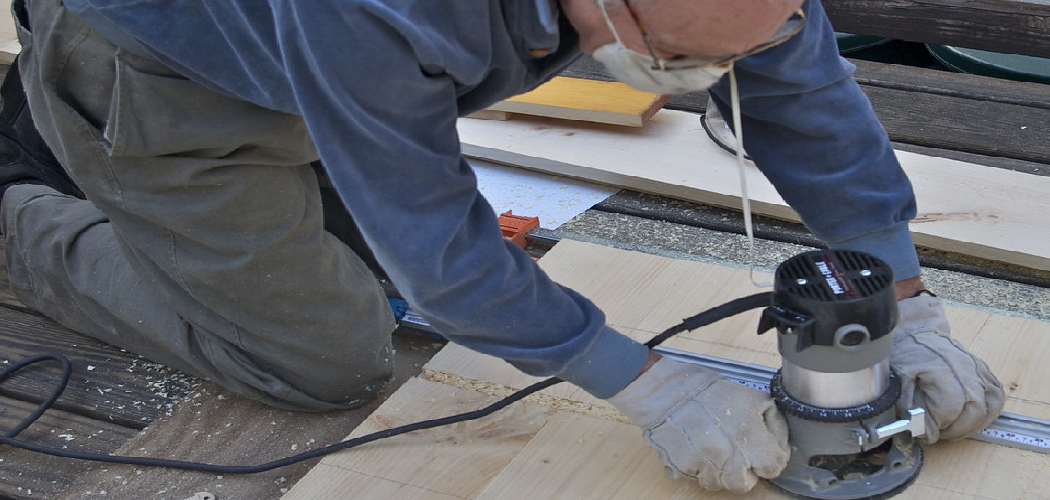
That old dresser in the garage has seen better days. The finish is peeling, the surface feels rough, and sanding it by hand would take all weekend. This is exactly where learning how to use an orbital sander changes everything. This handy power tool spins a sanding disc in tiny circles, smoothing wood, paint, and other surfaces in a fraction of the time.
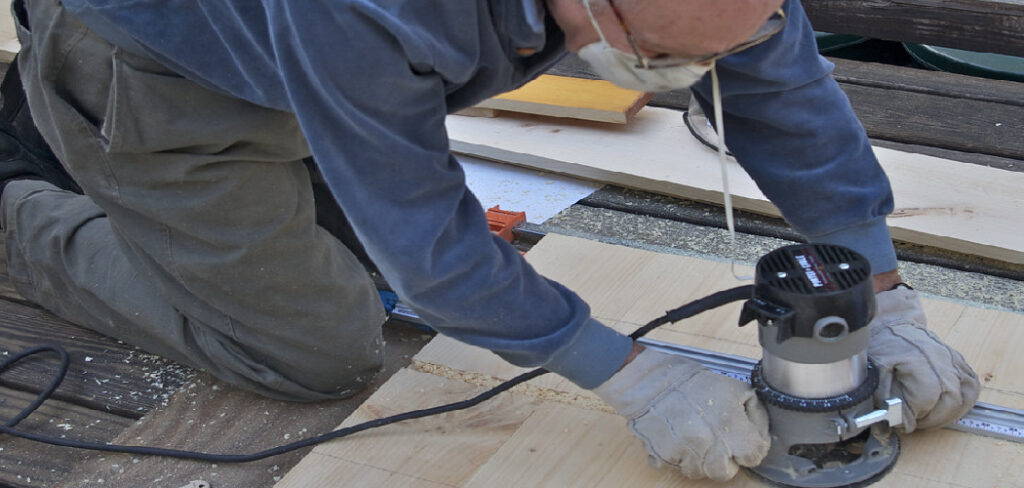
In this guide, you’ll learn what gear to gather, a clear step-by-step method, and pro tips that keep your work smooth and swirl-free. Whether you’re refinishing furniture or prepping a deck, you’ll walk away ready to tackle any project. Let’s get your surfaces looking flawless.
What You’ll Need
Gather these items before you plug anything in. A little prep keeps the whole job moving without interruptions:
- An orbital sander (random orbital models are the most versatile)
- Sanding discs in a range of grits: coarse (60–80), medium (120–150), and fine (180–220)
- Safety glasses to shield your eyes from dust
- A dust mask or respirator
- Ear protection for longer sessions
- A shop vacuum or the sander’s built-in dust bag
- Clamps or a stable workbench to hold your piece steady
- A clean, dry rag or tack cloth
- A pencil for marking your progress
- Good lighting so you can spot rough spots and scratches
A quick note on discs. Most random orbital sanders use hook-and-loop pads that stick and peel off like Velcro. Check your sander’s pad size, usually five or six inches, before buying discs.
Step-by-Step Guide on How to Use an Orbital Sander
Take these steps one at a time. Rushing is the fastest way to leave swirl marks or gouge your surface, so ease into each one.
Step 1: Set Up a Safe Work Area
Pick a spot with plenty of room and good airflow. Sanding kicks up fine dust that you don’t want floating around a closed space. Lay down a drop cloth if you’re indoors to catch the mess. Position your project at a comfortable height so you’re not hunching over.
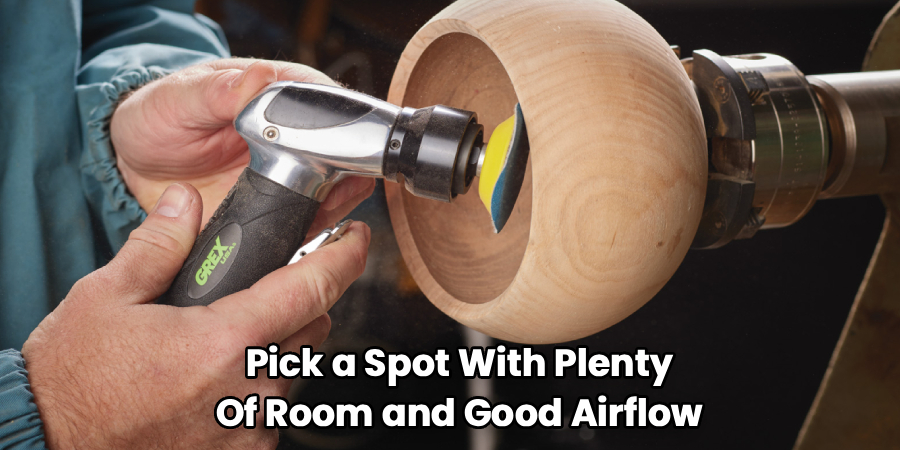
Clamp the workpiece to your bench or use a non-slip mat to hold it steady. A wobbling board makes clean sanding almost impossible. Set up bright lighting from the side, since raking light reveals scratches and dents you’d otherwise miss. A tidy, well-lit space sets you up for success.
Step 2: Choose the Right Sandpaper Grit
Grit numbers tell you how coarse or fine the sandpaper is. Lower numbers, like 60 or 80, remove material fast and strip old finishes. Higher numbers, like 180 or 220, smooth the surface for a polished result. Starting too fine wastes time, while starting too coarse leaves deep scratches.
For most jobs, begin with a medium-coarse grit to knock down imperfections. You’ll work your way up to finer grits as you go. Think of it as a progression, not a single pass. Matching the grit to your task makes every step easier.
Step 3: Attach the Sanding Disc
Unplug the tool or remove the battery before you swap discs. Line up the holes on the disc with the holes on the sander’s pad. These holes let the dust get sucked away, so alignment matters more than you’d think. Press the disc firmly onto the hook-and-loop backing until it sits flat and centered.
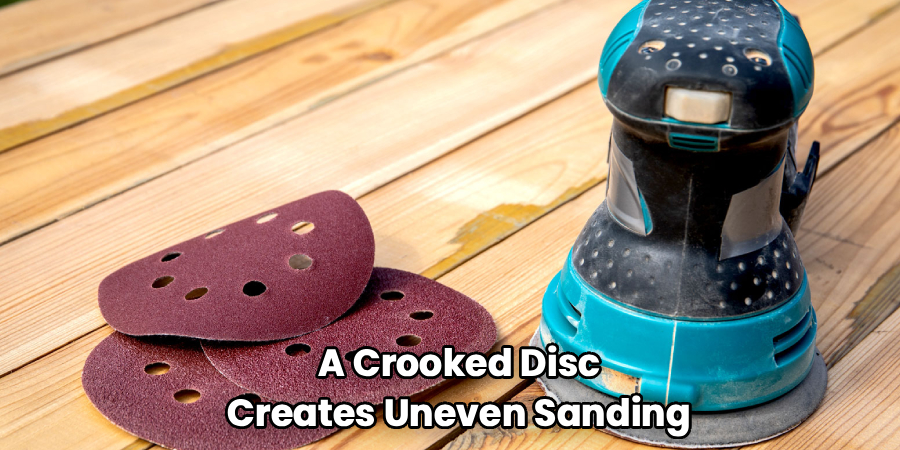
A crooked disc creates uneven sanding and vibration you’ll feel in your hands. Run your palm across it to confirm it’s smooth and secure. If the disc is worn or clogged, peel it off and grab a fresh one. Clean, well-seated paper does the best work.
Step 4: Connect Dust Collection
Hook up your shop vacuum to the sander’s dust port, or attach the built-in bag. Dust control keeps your view clear and your lungs happy. A clean surface also lets you see your progress in real time. Skipping this step buries your work under a layer of powder within minutes.
If you’re using a vacuum, secure the hose so it doesn’t tug on the tool as you move. A snagging hose throws off your control and leaves uneven spots. Empty the bag or canister when it’s about two-thirds full. Good suction keeps the whole process cleaner and faster.
Step 5: Start the Sander on the Surface
Put on your safety glasses, dust mask, and ear protection now. Hold the tool with both hands for control, then set it flat on the surface before you switch it on. Starting it in the air can make it jump when it touches down. Once it’s running, keep the entire base plate in contact with the wood.
Let the machine’s weight do the work. Pressing down hard actually slows the sanding and burns the motor. When you know how to use an orbital sander with a light touch, you get smoother results with far less effort. Ease into the rhythm and stay relaxed.
Step 6: Move in Slow, Overlapping Passes
Guide the sander across the surface at a steady pace, about an inch per second. Overlap each pass by roughly half the pad’s width to cover every spot evenly. Move with the grain of the wood when you can, though random orbital models are forgiving about direction. Slow and consistent beats fast and sloppy every time.
Avoid holding the tool in one place, which digs a shallow dip. Keep it gliding smoothly from edge to edge. Watch for pencil marks you made earlier disappearing as proof you’ve covered the area. Patience here pays off with a flat, uniform finish.
Step 7: Progress Through Finer Grits
After your first pass with coarse paper, wipe the surface with a rag and inspect it. Swap to a medium grit and repeat the same overlapping passes. Then move to your finest grit for that silky-smooth feel. Skipping grits leaves scratches that the next paper can’t fully erase.
Each grit removes the scratches left by the one before it. Don’t rush to the fine paper too soon, or you’ll just polish existing flaws. Run your hand over the surface between passes to feel your progress. This gradual buildup is the secret to a professional look.
Step 8: Clean Up and Inspect Your Work
Switch off the tool and let the pad stop spinning before you set it down. Wipe the whole surface with a tack cloth to lift every trace of dust. Shine your side light across it again to hunt for missed spots or lingering swirl marks. Touch up any rough patches with your finest grit.
Check the corners and edges, since these areas are easy to overlook. A smooth surface should feel even under your fingertips with no snags. Empty your dust collector and unplug the sander. Now your piece is ready for stain, paint, or a clear finish.
Tips for Best Results
These insider pointers help you sidestep the mistakes that trip up most beginners:
- Never press down hard. The tool sands best under its own weight. Pushing creates heat, wears out discs fast, and leaves those frustrating swirl marks. A light, guiding hand always wins.
- Keep the pad flat at all times. Tilting the sander onto one edge gouges the surface and rounds over corners you wanted crisp. Balance the tool evenly and let the full base do the job.
- Change discs before they’re worn out. A dull, clogged disc glazes the surface instead of cutting it. Fresh paper works faster and gives a cleaner result, so don’t try to squeeze extra life out of a tired one.
- Test on scrap first. If you’re new to a grit or a finish, practice on an offcut. This builds your feel for speed and pressure without risking your actual project.
- Vacuum between grits. Leftover coarse dust can scratch your surface when you move to finer paper. A quick clean-up keeps each stage crisp and your results consistent.
Frequently Asked Questions
What Is the Difference Between an Orbital and a Random Orbital Sander?
A standard orbital sander moves in small, fixed circles, which can leave faint repeating patterns. A random orbital sander spins the disc while also moving it in an irregular orbit, so it avoids those patterns. This makes random orbital models better for fine finishing work. For most home projects, the random orbital version is the more versatile pick.
Can I Use an Orbital Sander on Painted Surfaces?
Yes, an orbital sander works great for removing old paint or smoothing painted wood. Start with a coarse grit to strip the layers, then move to finer paper. Be aware that older paint may contain lead, so check before you sand and wear a proper respirator. Good dust collection is especially important with painted surfaces.
How Do I Avoid Swirl Marks?
Swirl marks usually come from pressing too hard, moving too fast, or using worn discs. Let the tool’s weight do the work and keep your passes slow and overlapping. Progress through the grits in order without skipping any. A final pass with fine paper and a clean surface removes most lingering marks.
Is It Safe to Use an Orbital Sander Without a Dust Bag?
You can run the tool without dust collection, but it’s not a good idea. Fine dust harms your lungs and coats your workspace, making it hard to see your progress. Always wear a dust mask or respirator, and connect a vacuum or bag whenever possible. Your health and your results both improve with proper dust control.
What Grit Should I Start With?
The right starting grit depends on your surface. For rough or previously finished wood, begin with 60 to 80 grit to remove material quickly. For a surface that’s already fairly smooth, start around 120. Then work your way up to 180 or 220 for a finish ready to stain or paint.
How Long Do Sanding Discs Last?
Disc life varies with the material and how hard you push. A single disc might last one small project or wear out within minutes on hard, gummy surfaces. Watch for glazing, clogging, or a drop in cutting speed as signs it’s time to swap. Keeping fresh discs on hand saves you a lot of frustration.
Wrapping Up
Smoothing surfaces like a pro is well within your reach once you have the basics down. Remember the essentials: keep the pad flat, use a light touch, and work through your grits in order. When you know how to use an orbital sander properly, even big refinishing jobs feel quick and satisfying.
If you haven’t picked up a quality sander yet, check out our recommended picks above. Ready to level up your next project? Browse our other tool guides for hands-on tips that make every DIY task around the house feel easy.
